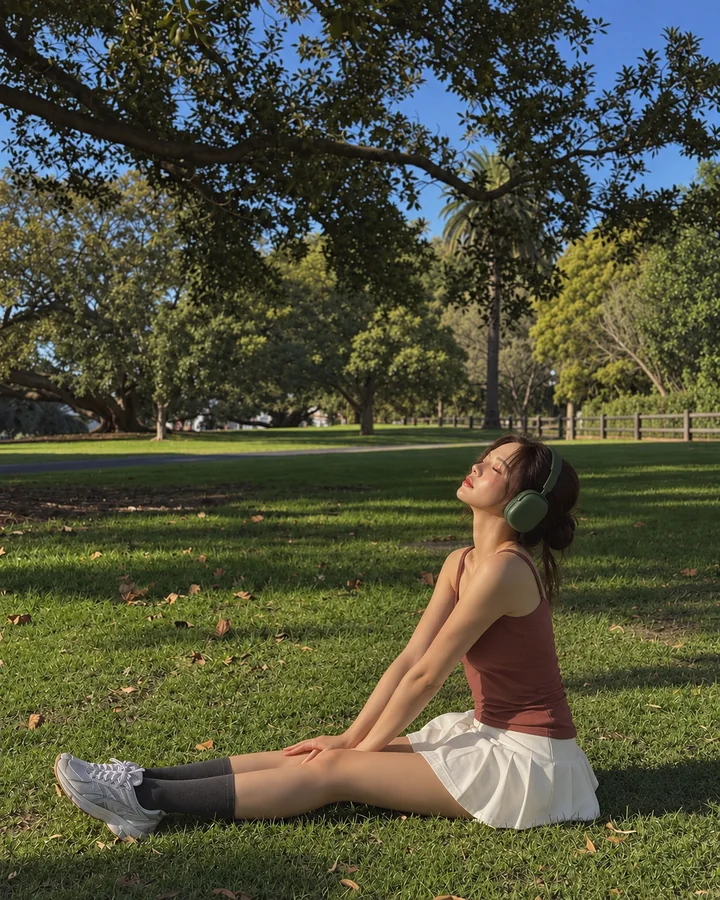
Show the photo you have in mind. Choose a pose, align the person and background outlines, and take the shot together. Save the result to your device or share selected photos in a private album for two.
Tap Guides and choose a pose or composition to try.
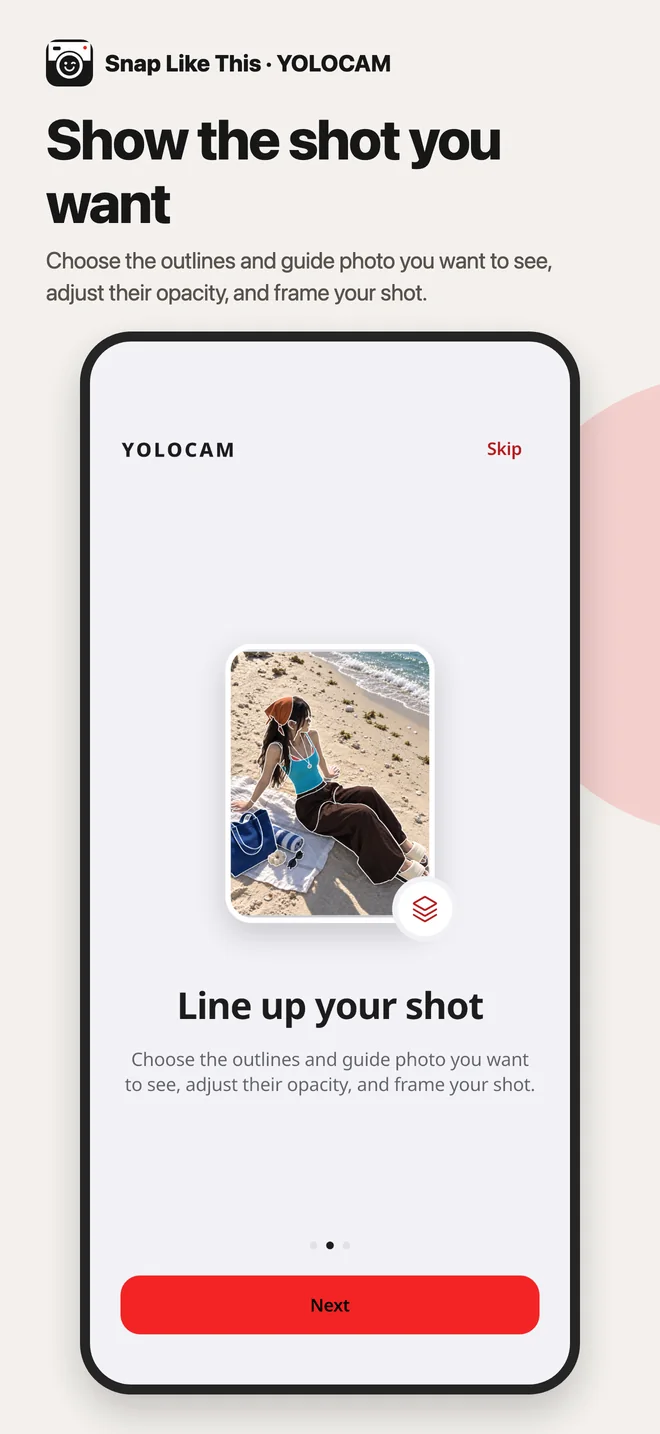
Line up your shot
Choose the outlines and guide photo you want to see, adjust their opacity, and frame your shot.
Take your photo
Guides and the grid are excluded from saved photos.
Our albums
Your photos, together
A private space for two to share photos and plan your next shots. Start with 500 MB of free storage, shared between you.
Send this code to your partner. They can enter it in Our albums.
Start with 500 MB, shared by two
Only photos you choose are shared with your partner.
Shots to try together
Plus
More room with 50 GB
One subscription gives both of you a shared 50 GB, no ads, reusable shot lists and monthly memories made from photos you both picked.
Plus is a monthly subscription. One subscription covers both people in your space. Check your local price and subscription details in the app before purchasing.
Terms of use
Renews monthly until cancelled in your store settings. Payment is charged to your store account. Cancelling stops future renewals; it does not delete your photos. After the subscription expires, uploads pause if your shared storage exceeds 500 MB. You can still download and delete your photos. To free up space, permanently delete unwanted photos from trash.
Delete your cloud account and all your uploads? Your partner’s photos stay with them. This cannot be undone. Cancel any subscription in your store settings separately.
Only photos you select are uploaded and shared with your partner. Shared copies are JPEGs with a longest edge of up to 3072 pixels and no location data. We store your sign-in identifier, albums and subscription status to provide this service.
Privacy & support
Shots are saved to your device’s photo library. Only photos you select for Our albums are uploaded and shared. Error diagnostics are sent to our server to help improve reliability. See the privacy policy for details and deletion requests.
The full privacy policy and shared-album terms are available in English and Korean. Localized summaries explain the main points.