
Match notes to piano keys, revisit the ones you miss, then try a familiar piece. Start with 67 free songs on your phone or tablet.


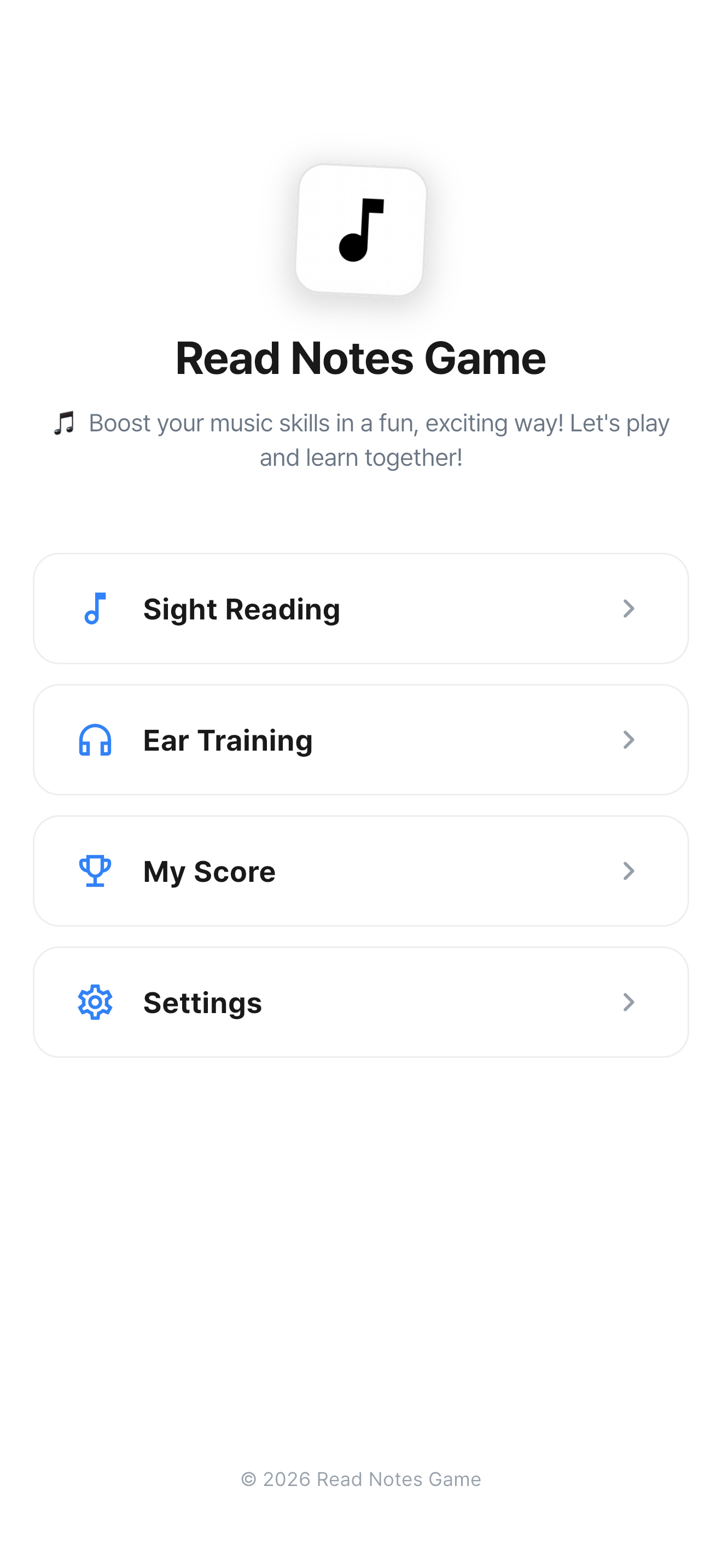
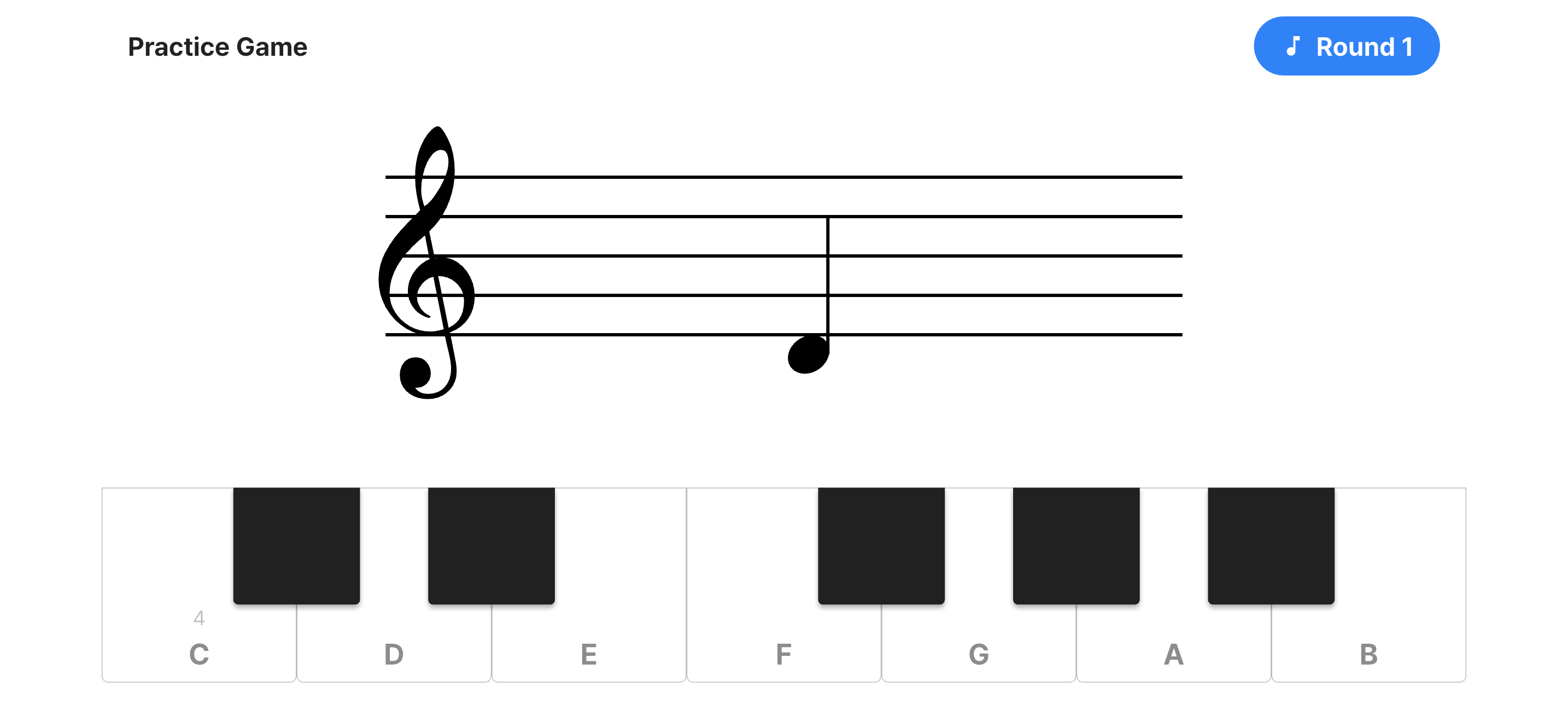
Look at the staff and tap the matching piano key. Choose a clef and level that feel manageable.
Use wrong-note review to practise the notes you missed. Your results help you choose what to work on next.
Explore 150 songs, including 67 free songs. Pick a piece and follow your song progress and stars.
Follow a structured curriculum with chapter-based lessons that build your skills step by step.
Create or join groups for classroom learning. Track member progress and compete on group leaderboards.
Compete globally with percentile rankings and track your improvement over time.
Available on iOS and Android. Download free; optional Premium is a one-time purchase.
Read Notes Game brings note reading, ear training, chords, rhythm, and guided quests into one place. Practise on the screen or use a compatible MIDI keyboard.
Practise alongside friends or classmates in a group and compare group rankings. Choose one small task to repeat between lessons.
The library contains 150 songs, including 67 free songs. A one-time Remove Ads purchase includes all 83 premium songs for free selection, removes ads, and removes heart limits. Your store account’s price appears in the app before purchase.
Yes. Choose an introductory level, practise a few notes, and move on when you feel ready.
No. Read Notes Game focuses on note recognition and ear training—foundational skills for any instrument.
Download free and start with 67 free songs. Free use includes ads. Optional one-time Premium unlocks all 83 premium songs, removes ads, and removes heart limits. No subscription.
Try a three-minute session: read a few notes, revisit a mistake, and play a short piece. Pick a routine that fits your day.
Yes. Create a group, invite students with its code, and use group rankings alongside your lessons. Choose a free song or note-reading task and explain the assignment to students in class.
Quest Mode offers a structured, chapter-based curriculum that guides you from basics to advanced topics. It's the perfect way to build skills systematically.
Questions or feedback? We'd love to hear from you: